Reporting & Analytics
See the cost of the rota before you publish it
The rota builder totals hours and estimated cost as you assign shifts, broken down by day, position and staff member, alongside your labour cost target, so you catch the cost before you publish.

Labour cost is invisible until payday
Without a running total, a rota can look fine on the page and still be over budget the moment the hours are added up.
Finding out that overtime built up somewhere in the week is a lot less useful after the shift than before you publish it.
The numbers, where you already work
A cost summary while you build
The rota builder totals hours and estimated cost as you assign shifts, with a daily breakdown, so you see the effect of every change before you publish.
Cost by position and by staff member
See hours and cost broken down by position and by individual staff member, with overtime flagged against contracted hours.
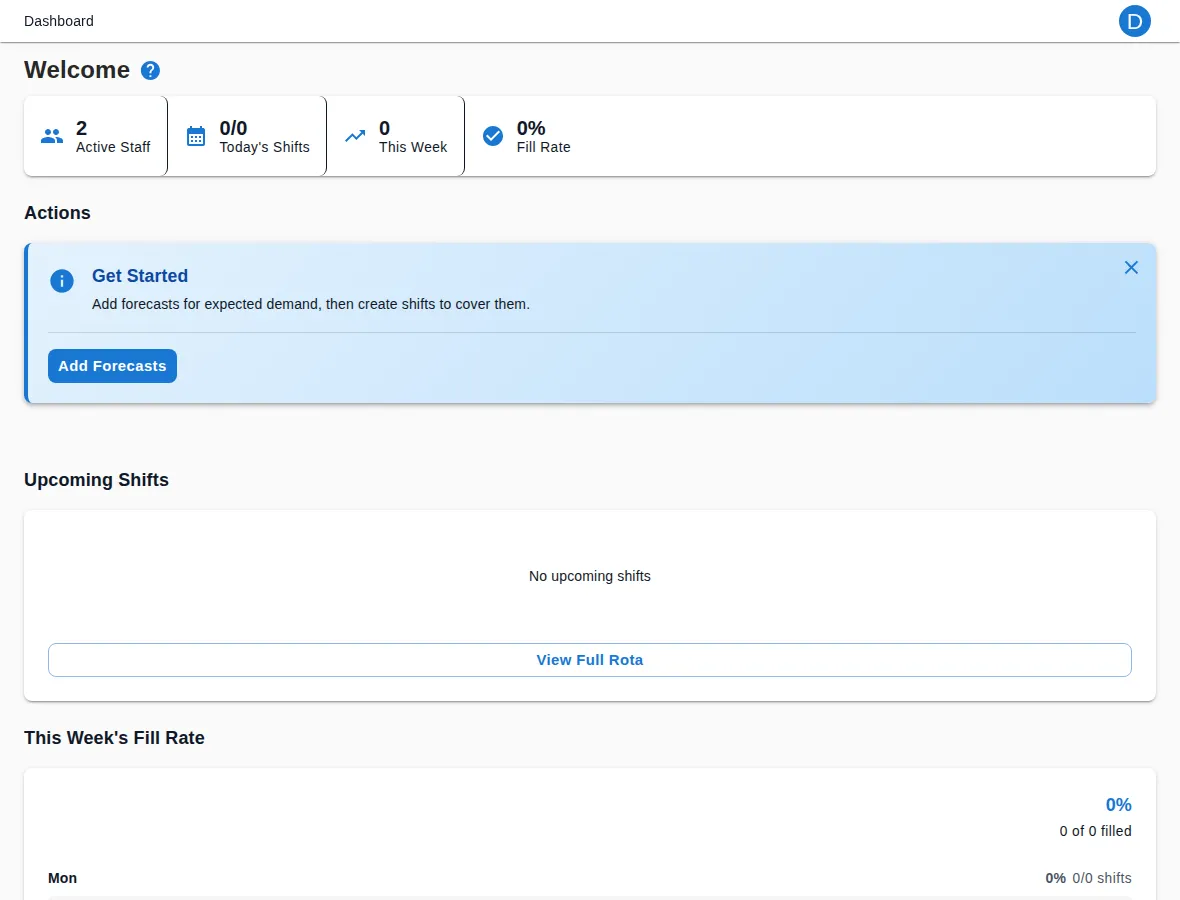
A dashboard view of today and this week
The dashboard shows active staff, today’s shifts, this week’s shifts and your fill rate at a glance, so you can spot a gap without opening the rota.
Export hours to Xero (Professional)
Once you connect Xero, available from Professional with Integrations, preview hours worked for the pay period and export them in a couple of clicks.
See it in action
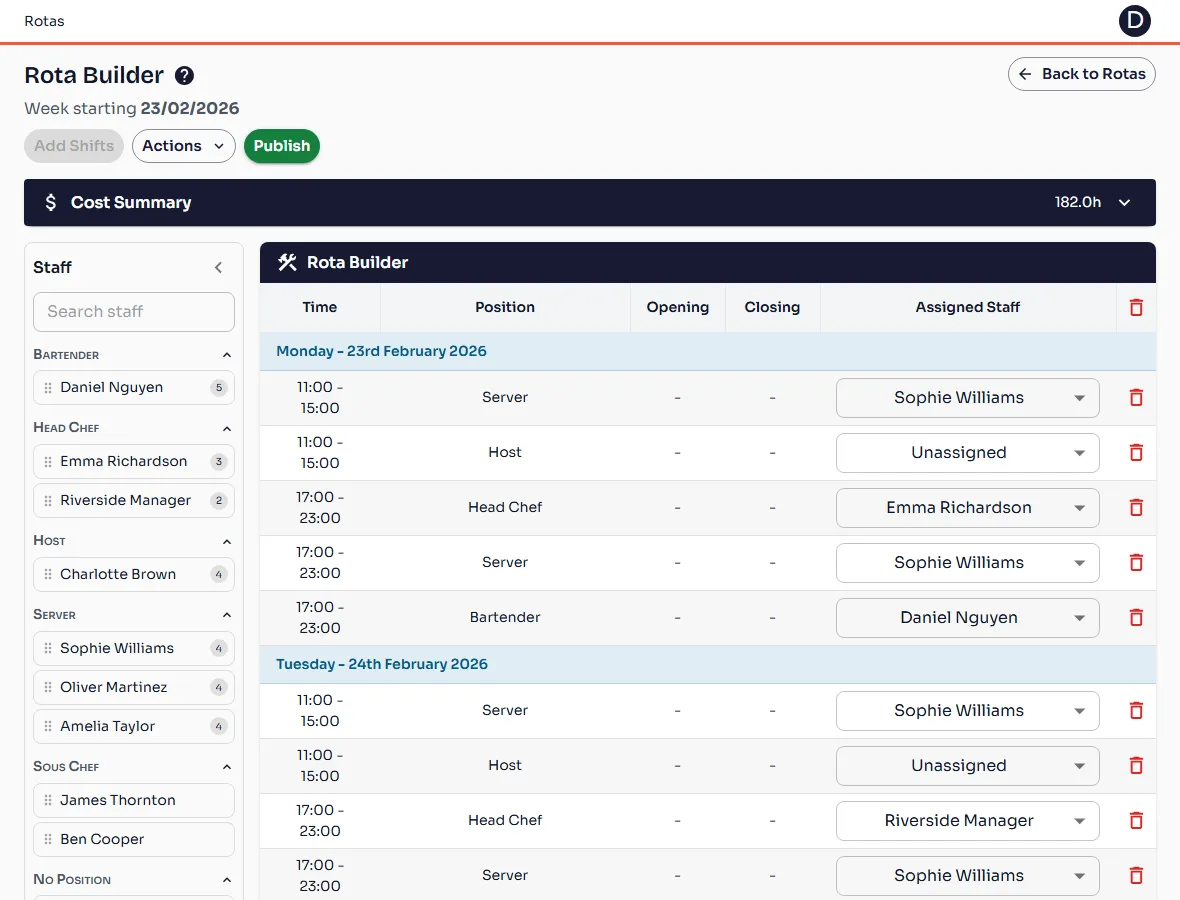
The rota builder, with the Cost Summary panel banner at the top of the week
Ready to see it for yourself?
Start your 14-day free trial today. No credit card surprises, cancel any time.
Start free trial14-day free trial · Cancel any time